PES 2020 Mobile Offline Update | 64/32-bit Device Support (Download)
The classic PES 2020 Mobile experience gets an exciting update with the PES 2020 Beta by Bedo Gaming. It includes almost all the major updates from the full release while keeping the familiar PES 2020 gameplay, squad-building system, formations, managers, and myClub experience.
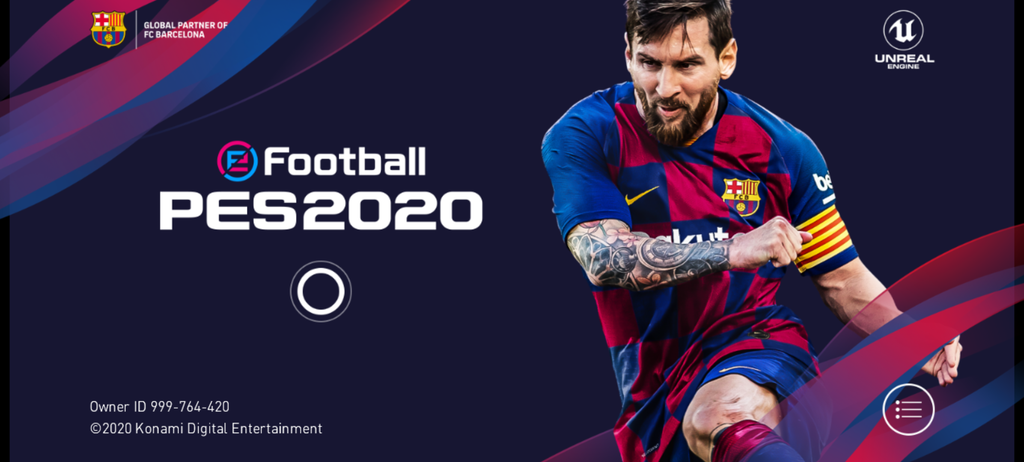
From 120 FPS support and proper formation saving to English Commentary, 64-bit/32-bit support, fixed Google Play Services, and 100% Player + Manager Familiarity, this Beta gives you a more complete starting setup right from the beginning.
🔥 Main Features
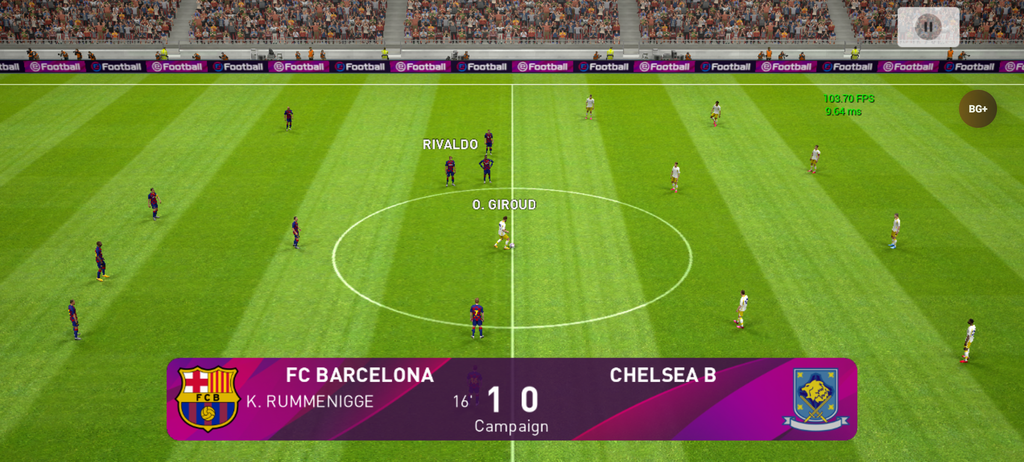
- ⚡ Up to 120 FPS (depends on your device)
- ⚽ All formations available, with formation saving fixed
- 🎙️ English Commentary supported
- 📱 64-bit/32-bit supported
- 🎮 Google Play Services fixed
- 👨🏫 Player + Manager Familiarity 100%
- 🏆 Campaign Progress (1M GP/win)
- 🎁 9 free openings (3× Iconic, 3× Featured, 3× Legend)
- 💰 500 myClub Coins + 200,000 GP
⚡ Up to 120 FPS
If your device has a high refresh-rate display, the 120 FPS option gives noticeably smoother gameplay. Actual performance depends on your device’s hardware and display.
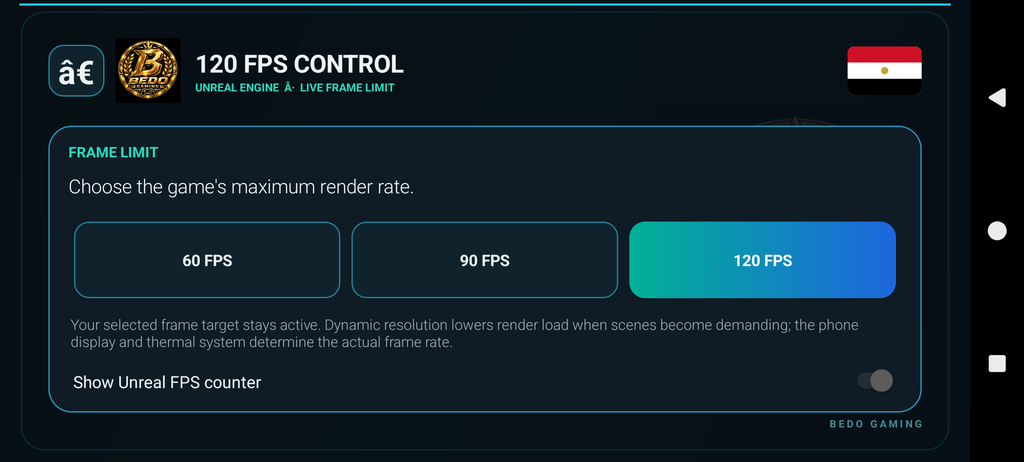
Selecting 120 FPS does not guarantee a constant 120 FPS. Actual performance depends on your device’s processor, GPU, display refresh rate, temperature, and graphics settings. Lowering graphics quality may help maintain smoother gameplay.
⚽ Custom Formation
Experiment with every available formation. Formation saving now works properly, so you don’t have to rebuild your setup every time you play.
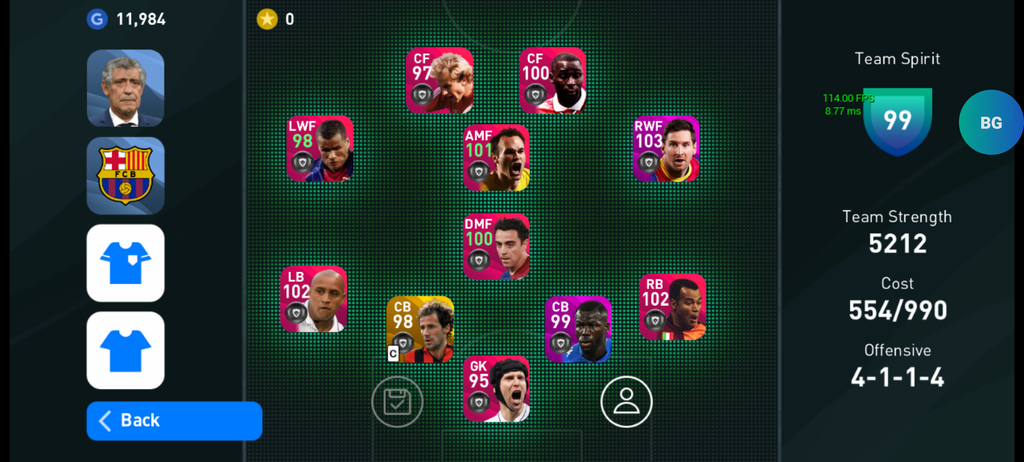
Formation saving now works properly, so you can save your setup and use it again the next time you play without rebuilding it from scratch. Spend less time setting up your squad and more time on the pitch!
🎙️ English Commentary
Place the commentary file in Internal Storage → Download, then enable it from the in-game settings.
Add more atmosphere to your matches with English commentary that follows the action on the pitch. From quick passing moves and dangerous attacks to crucial saves and goals, commentary makes each match feel more lively and engaging.
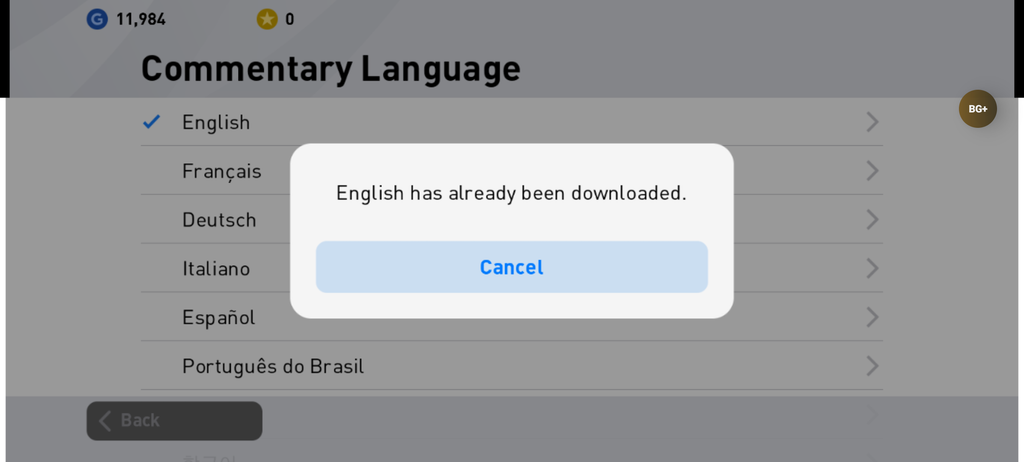
How to enable English commentary:
- Download the English commentary file.
- Place it in Internal Storage → Download.
- Open the game and go to in-game settings.
- Enable English Commentary.
Keep the file directly inside the Download folder so the game can detect it. Once enabled, start a match and enjoy the commentary alongside your gameplay.
🎁 CAMPAIGN & Starting Rewards
You don’t start empty-handed. The Beta includes 9 free openings: ⭐ 3× Iconic,🔥 3× Featured, 🏆 3× Legend. You also get 500 myClub Coins and 200,000 GP to spend on player acquisition and other in-game content. Campaign Progress.
1M GP per Win Campaign Progress is included, and every campaign win earns you 1M GP. This is a fast way to grow your GP and build your squad.
⭐ Featured & Iconic Player Boxes
- Featured Player Box: sign upgraded Featured versions of selected players.
- Iconic Player Box: hunt for legendary Iconic players to strengthen your Dream Team.
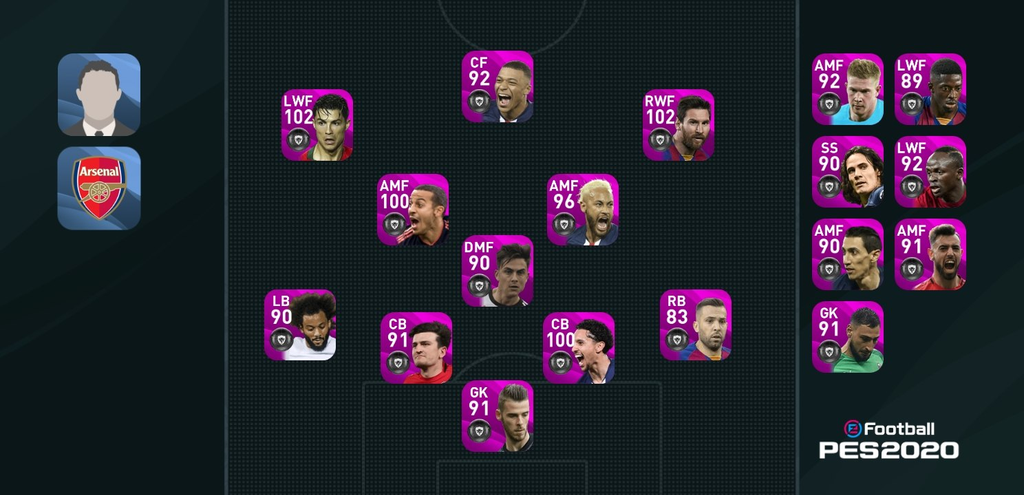
Player + Manager Familiarity 100%. New accounts normally spend a lot of time building familiarity for players and managers. This Beta sets both to 100%, removing that early grind so you can focus on tactics, formations, and matches from day one.
📱 Device & Compatibility
- 64-bit and 32-bit support for a wide range of Android devices
- Google Play Services fixed, so setup and login work more smoothly
- Up to 120 FPS on supported displays
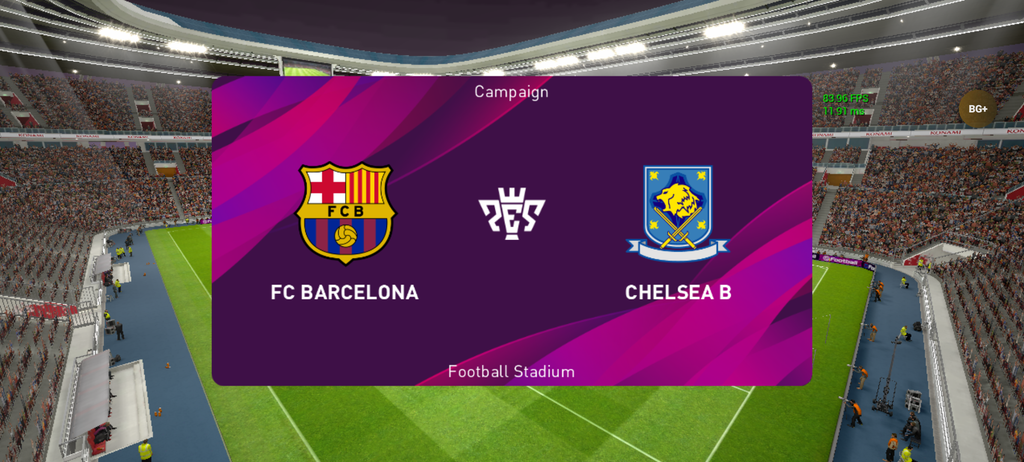
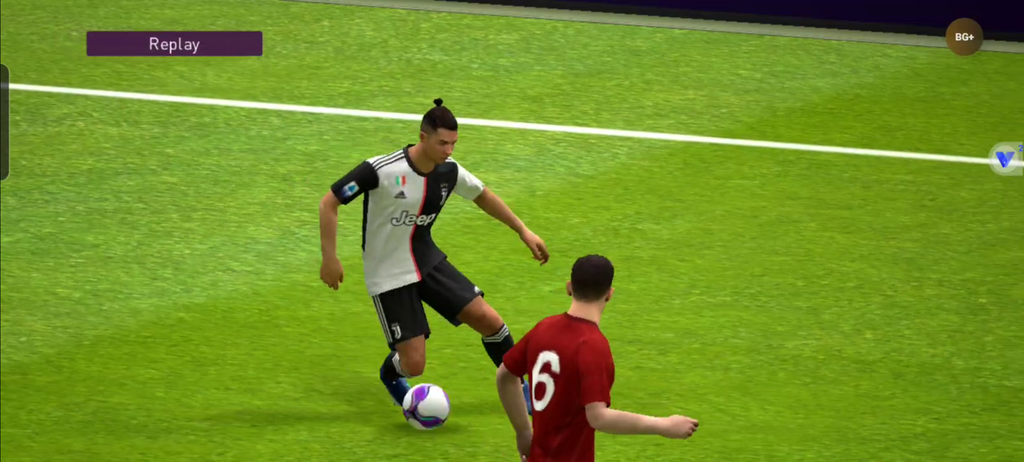
SCREENSHORTS
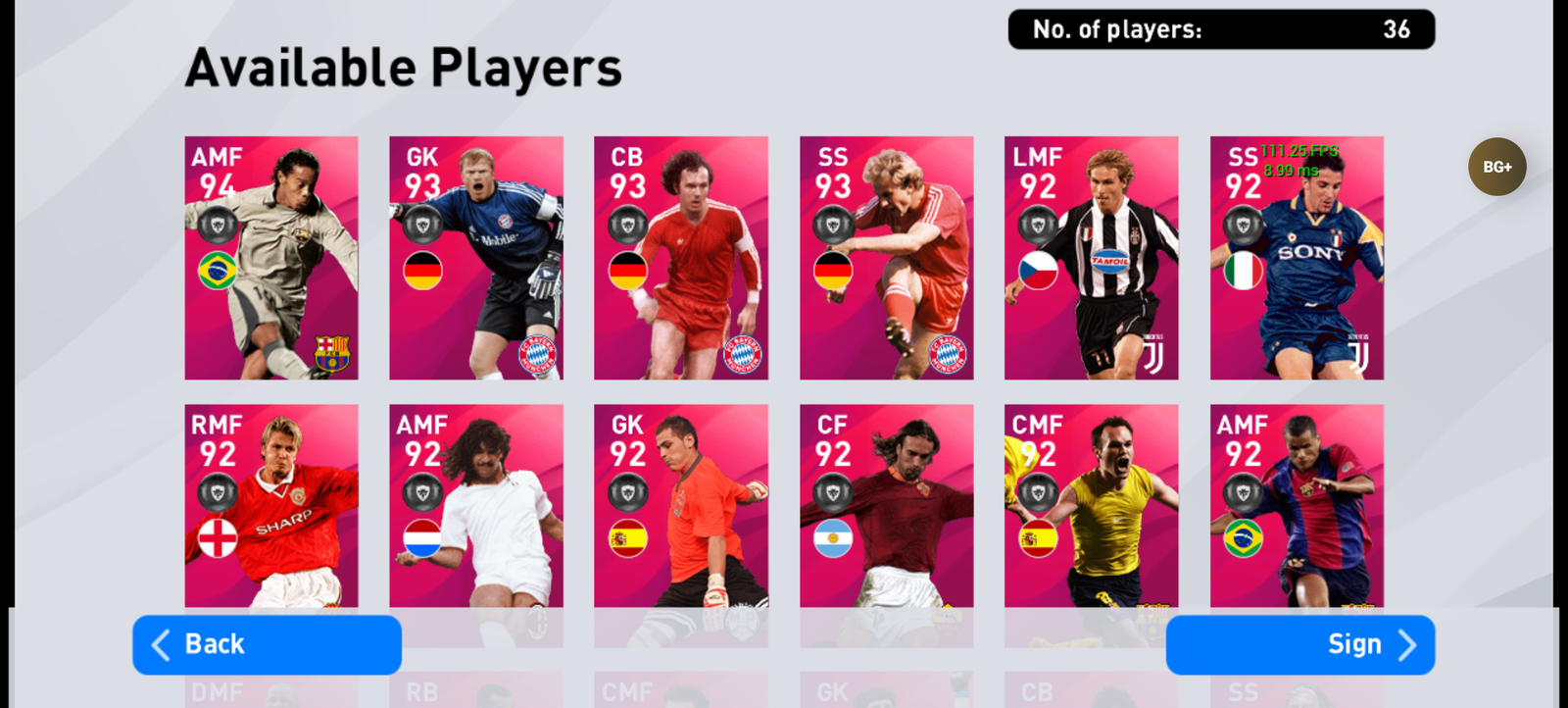
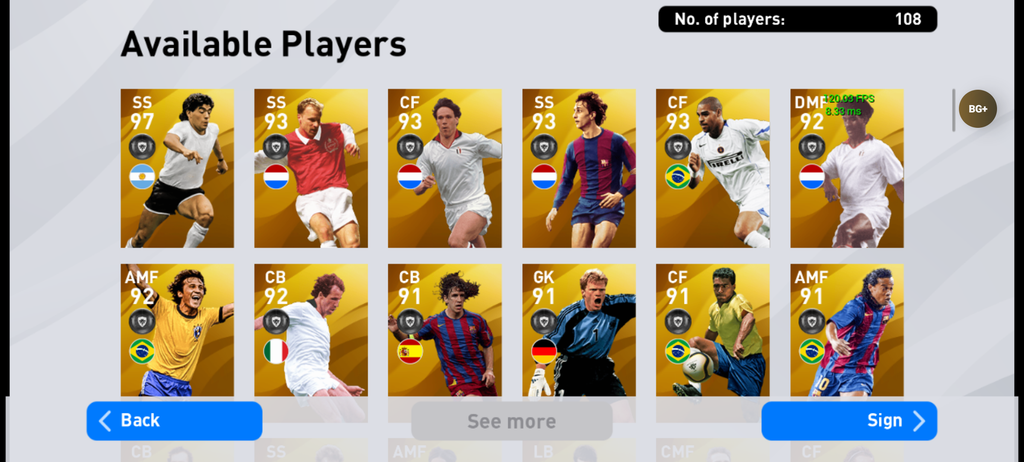
🛠️ Installation Guide
- Download the PES 2020 Beta APK from the button above.
- Install the APK on your compatible Android device.
- Add the OBB to the appropriate Android OBB directory (skip this if you already have it).
- Add commentary by moving the commentary file to Internal Storage → Download.
- Launch the game and allow any permissions requested.
- Set your preferences: FPS, controls, commentary, formation, and manager.
📥 Download PES 2020 Beta
🎮 Game: Download PES 2020 Beta
🎙️ English Commentary: Download English Commentary
📦 OBB File: Download OBB
Preparing your download…
Credit: Bedo_Gaming
The updated version brings back the classic PES 2020 experience while adding new player cards, features, and improvements for modern Android devices.
Does this Beta support 120 FPS?
Yes, up to 120 FPS, depending on your device.
Is English Commentary available?
Yes. Add the provided commentary file to your Download folder and enable it in settings.
Does it support 64-bit and 32-bit devices?
Yes, both are supported.
Is Google Play Services working?
Yes, Google Play Services is fixed in this release.
What is the Player + Manager Familiarity level?
Both are set to 100%.
How does Campaign Progress work?
Each campaign win gives you 1M GP.
What free rewards are included?
9 free openings (3 Iconic, 3 Featured, 3 Legend), 500 myClub Coins, and 200,000 GP.
Do I need to download the Old OBB again?
No. If you already have it, the same file works.
If you’re looking for a PES 2020 experience with enhanced settings and a more complete starting setup, this Beta is worth checking out.
🚫 NO GOOGLE PLAY SERVICES REQUIRED
Another useful feature is that the Beta does not require Google Play Services to run. This can make the installation and initial setup easier on compatible devices where Google Play Services isn’t available or isn’t being used.
Share this content:


1 comment