eFootball 2027 Mobile Offline Update | Fix Booster, Player Progression
Good news, eFootball fans! ⚽
A new update for eFootball 2027 Mobile Offline is here, bringing several important bug fixes and gameplay improvements. This update focuses on fixing booster issues, improving player progression, and making sure your players and squads save correctly. If you were experiencing problems with disappearing players, unsaved skills, or booster glitches during matches, this update aims to address those issues and deliver a smoother offline football experience.
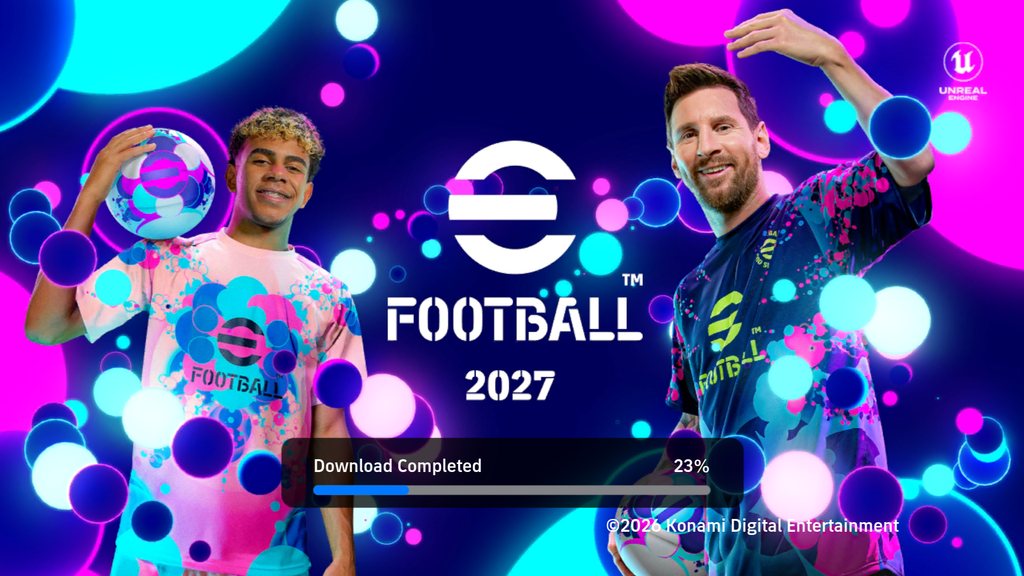
🔥 eFootball 2027 Mobile Offline — What’s New?
The latest update focuses on stability, player development, squad management, and team presentation. Several issues affecting boosters, skills, and player saving have been addressed, alongside improvements to team kits and Division vs AI gameplay.
⚙️ Complete Update Changelog
Here are all the fixes and improvements included in this update:
- ✅ Fixed random booster issues.
- ✅ Fixed boosters and skills not saving properly.
- ✅ Fixed manual player progression bugs.
- ✅ Fixed some players disappearing after restarting the game.
- ✅ Improved player and squad saving systems.
- ✅ Fixed booster issues occurring during matches.
- ✅ Improved team kits and uniforms.
- ✅ Improved team selection in Division vs AI mode.
- ✅ Improved opponent teams and player positions.
- ✅ Fixed several other bugs and improved overall stability.
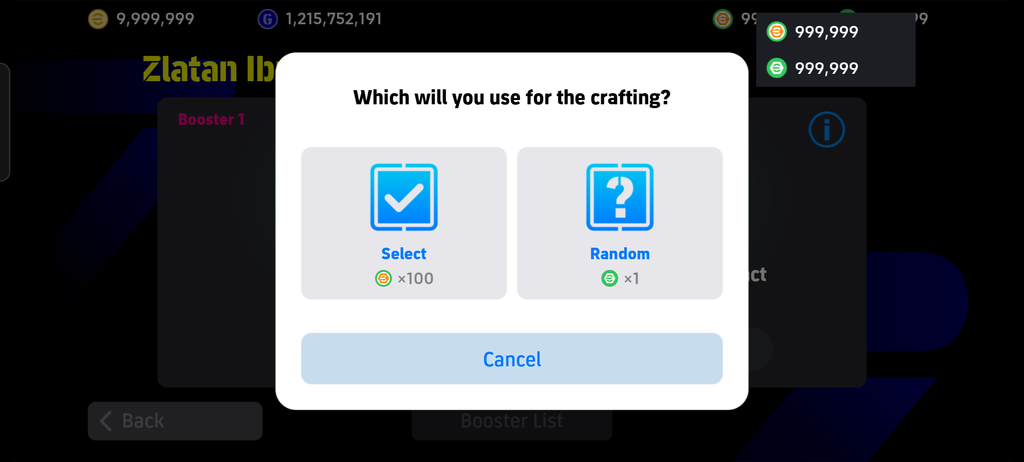
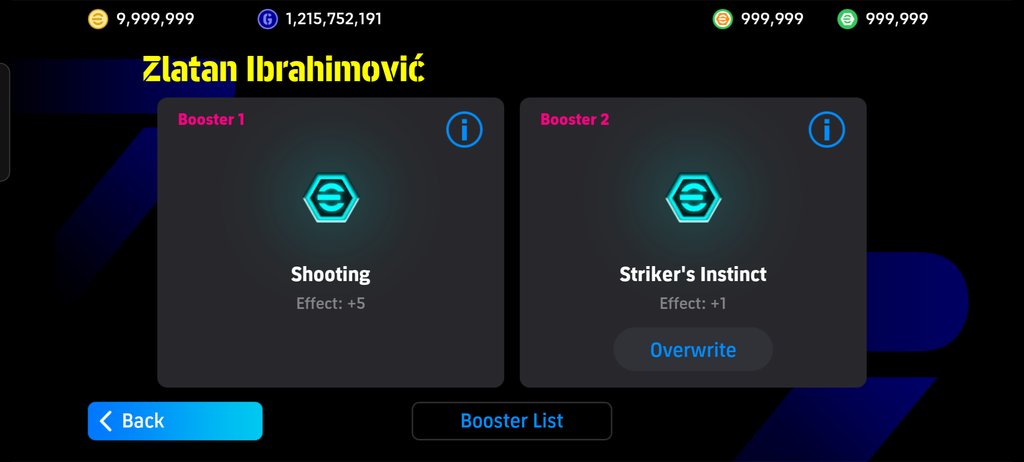
🎮 Better Player Progression & Squad Management
One of the most important improvements in this update is the work on player progression and saving. Players can develop their squads with fewer interruptions from the previously reported saving issues. Booster and skill-related fixes also aim to make player customization more reliable, while improvements to squad saving help preserve your team setup between sessions.
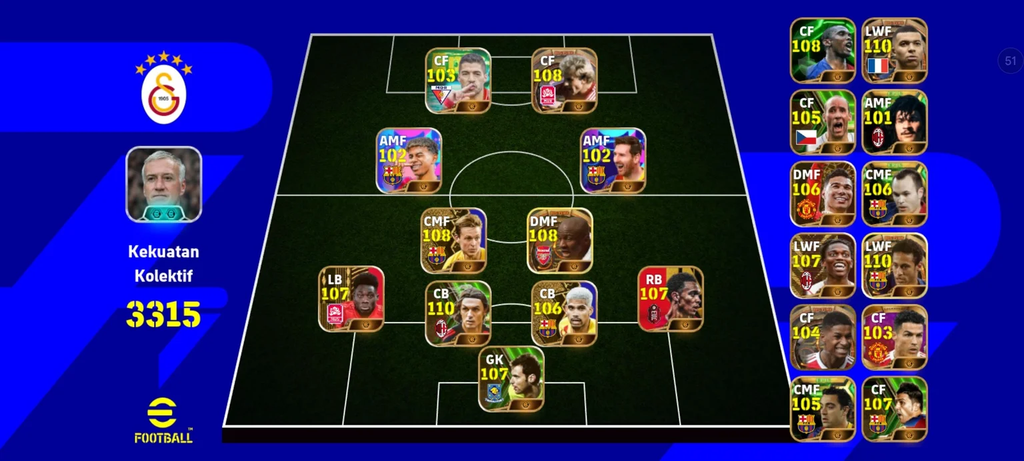
⚽ Improved Match Experience
This update also includes improvements to team kits, uniforms, opponent selection, and player positioning. These changes aim to make matches feel more consistent and improve the overall offline gameplay experience.
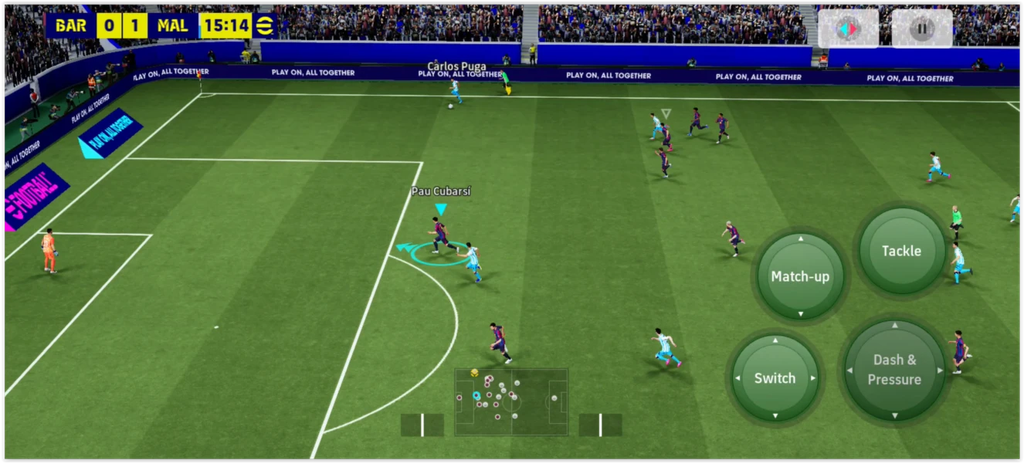
🛠️ Stability & Bug Fixes
Alongside the major fixes, several additional bugs have been addressed to improve the game’s stability. The update is focused on making eFootball 2027 Mobile Offline more reliable for players who enjoy building squads and playing offline matches.
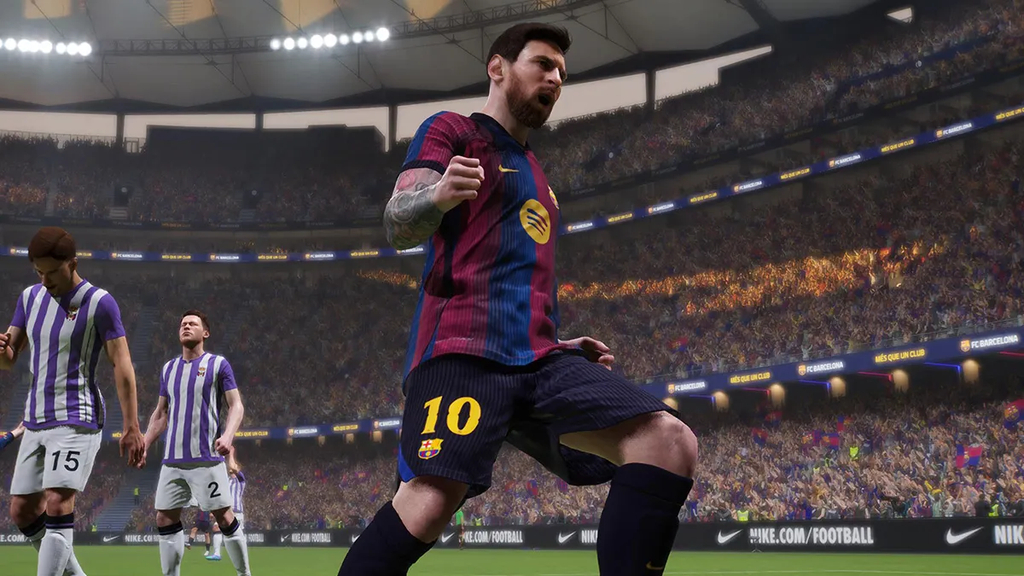
💾 SAVE PLAYER & SQUAD PROGRESS
Build your squad and keep developing your players using the available progression systems. The MOD includes support for saving player and squad progress locally.
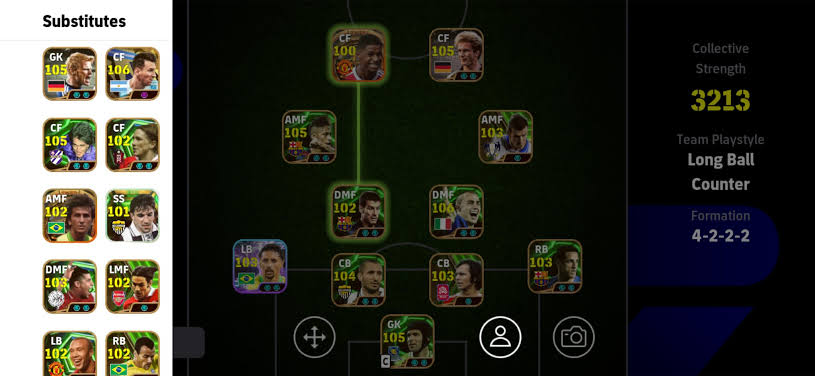
- 💾 Local Progress Saving
- 👥 Save Player Progress
- ⚽ Save Squad Data
- ⭐ Player Level & Progression
- 🧠 Manager Selection
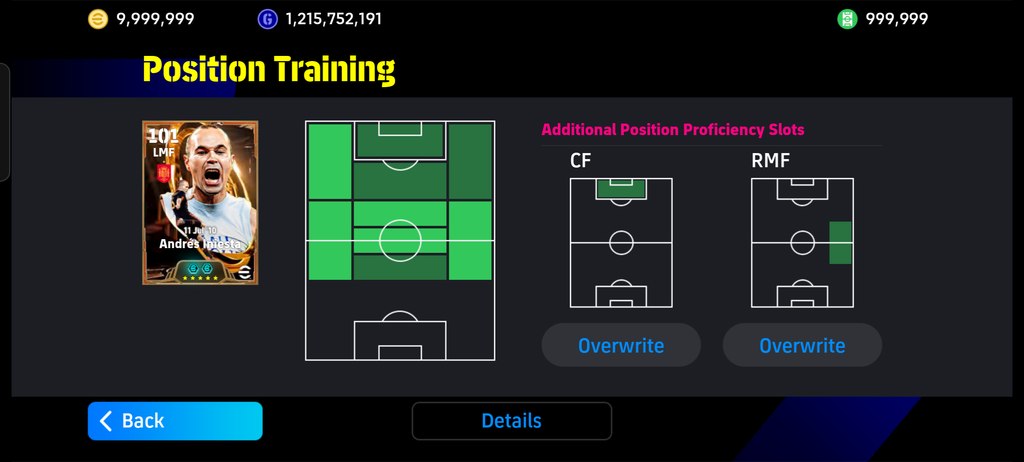
- 🎯 Skill & Position Training
Important: Back up your game data before replacing files or reinstalling the game. Local saving behavior can vary depending on the build and installation method.
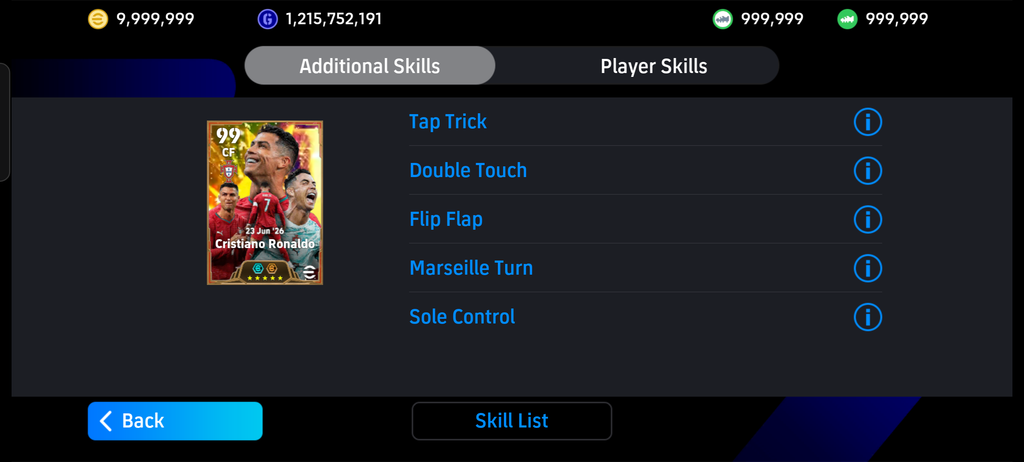
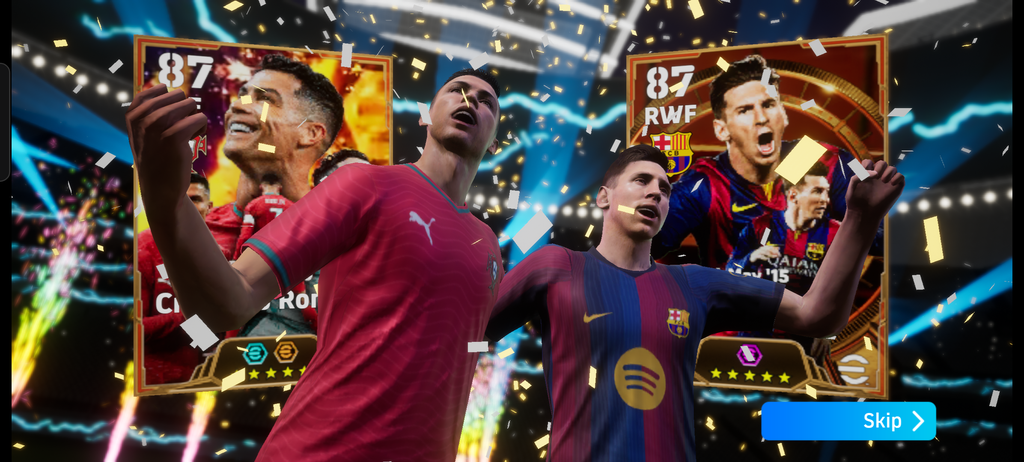
🖼️ Screenshots
Alongside the major fixes, several additional bugs have been addressed to improve the game’s stability. The update is focused on making eFootball 2027 Mobile Offline more reliable for players who enjoy building squads and playing offline matches.
📲 How to Install the Update
Follow these general steps to install the update:
- Watch the tutorial. Check the YouTube video above for any release-specific installation instructions.
- Back up your game data. Protect your existing progress before making changes.
- Download the required files. Use the download link provided in this post.
- Extract the files if necessary. If the download is a compressed archive, extract it using a compatible file manager.
- Follow the creator’s instructions. The exact installation process depends on whether the release contains an APK, OBB, DATA files, or another package.
- Launch and check the game. Verify that your players, boosters, skills, and squad data are working correctly.
🎮 Game Information
| Information | Details |
|---|---|
| Game Title | eFootball 2027 Offline |
| Platform | Android |
| Game Type | Football |
| Gameplay | Full Smooth |
| Events Mode | Working |
| Version | Offline |
| File Size | 2.75GB |
📥 Download eFootball 2027 Mobile Update
Before installing, make sure the files are compatible with your existing game version. Back up your game data whenever possible to help prevent the loss of saved progress.
Preparing your download…
© Credit: Nyanmods, Ziru_PES
⚠️ Disclaimer: Credit the original mod creators and contributors here. Thanks to everyone contributing to the eFootball modding community! Follow Prottoy Pes Official for more eFootball Mobile offline updates, patches, tutorials, and gaming news. ⚽🔥
📝 Update Summary
If you already play eFootball 2027 Mobile Offline, this update is worth checking out, especially if you previously encountered booster glitches, player progression problems, or squad-saving issues.
These changes aim to provide a smoother offline football experience while making player development and squad management more reliable.
❓ Frequently Asked Questions (FAQ)
Is this an official KONAMI update?
No. This is a community-made update, not an official KONAMI release. The changelog is based on the supplied update notes.
Will installing the update delete my saved game data?
That depends on the installation method and compatibility with your current version. Back up your game data before installing and follow the creator's instructions.
Does this update work on every Android device?
Device compatibility has not yet been confirmed. Check the verified Android requirements and file compatibility before downloading.
What should I do if players still disappear after restarting?
Check that you're using compatible files and follow the creator's instructions. If the issue continues, report your game version and device model in the comments.
What should I do if the download link doesn't work?
Leave a comment or use the website's contact option to report the broken link so it can be checked.
Important: Installation steps may vary depending on the files included in the release. Always follow the creator's instructions and back up your existing game data before making changes. Avoid uninstalling your current game or overwriting its data until you understand the correct installation method.
Share this content:

Post Comment