eFootball 2026 Offline High Graphics + All Language Commentary
🔥 eFootball 26 AIO (All-In-One) Mod. Upgrade your eFootball 2026 Offline experience with High Graphics and All Language Commentary files. This setup improves the overall visual quality of the game and lets you use different commentary languages depending on the available files.
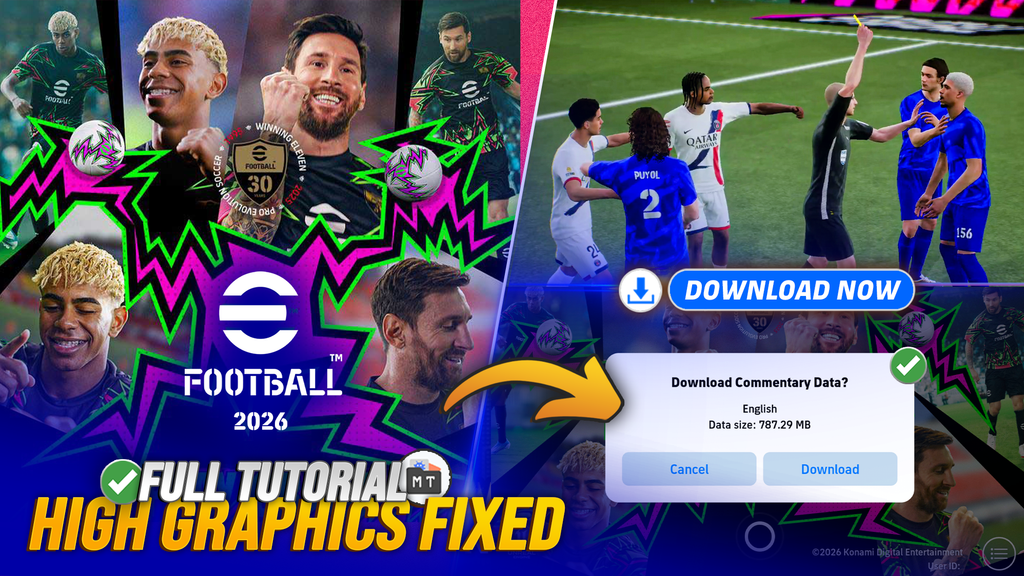
The eFootball 26 AIO Mod combines the main graphics, gameplay, squad, stadium, and commentary files into one package for a more complete eFootball Mobile experience.
📱 Features
✅ Original Full Jersey Kits & Licenses
✅ Save Squad
✅ AI Events
✅ Directional Arrows Removed
✅ Player Indicator Circle Removed
✅ More Console-Like Gameplay Experience
🎨 High Graphics
The High Graphics files improve the visual quality of eFootball 2026 Offline, including better overall match presentation, stadium visuals, and game textures.
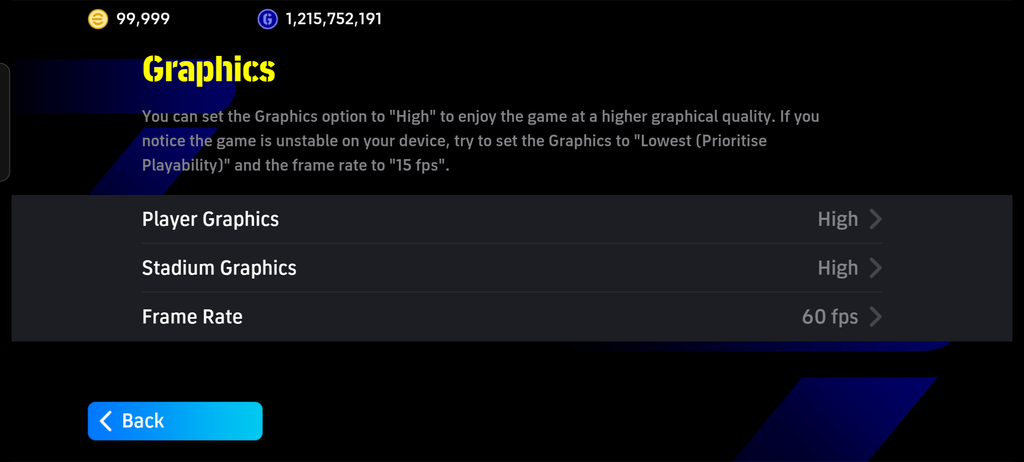
For smoother performance, a mid-range or high-end Android device is recommended.
🎙️ All Language Commentary
You can also install different commentary languages using the available commentary files. Available languages may depend on the commentary pack you download.
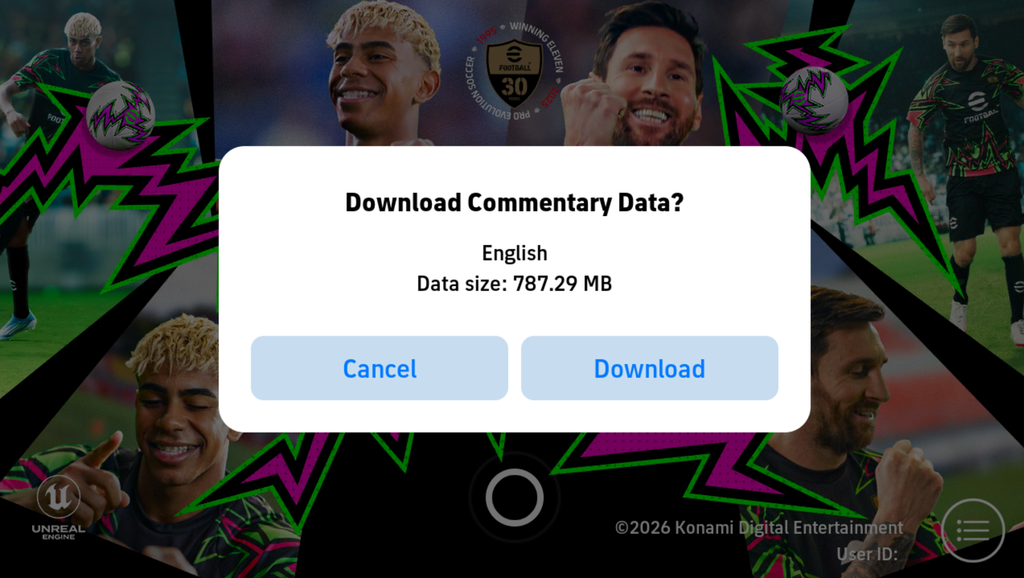
Make sure the commentary files are copied to the correct game folder before launching the game.
⭐ Full Epic Squad
This version includes a Full Epic Squad with top Epic and Legendary players available for offline gameplay.
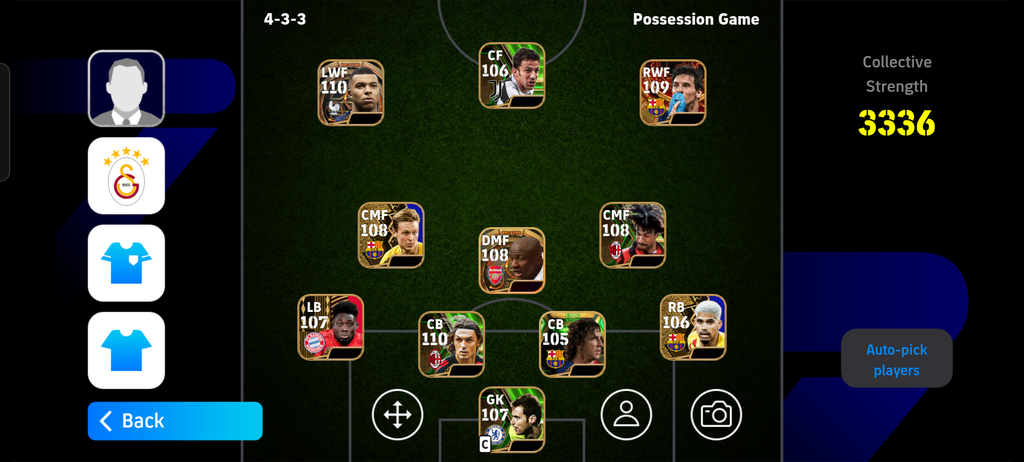
Build your squad, test different formations, and play with high-rated players without needing an online Dream Team account.
Screenshorts
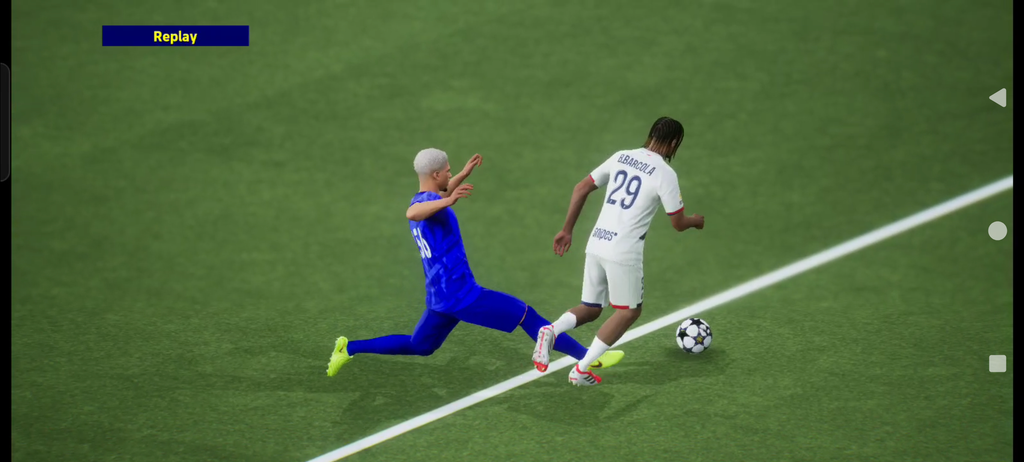
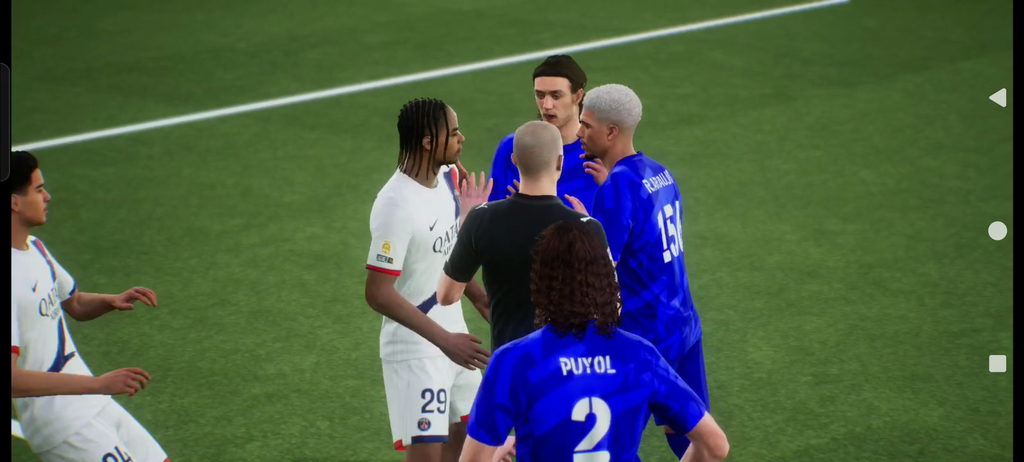
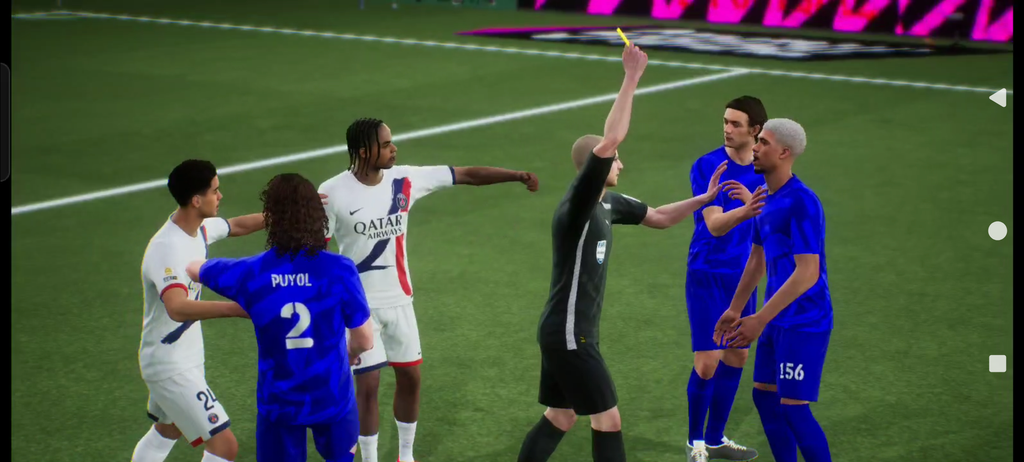
🎨 High Graphics
🏟️ High Stadium Graphics
🎙️ English Commentary
🏟️ Stadium Pack
📲 Installation Tutorial
- Install the eFootball application.
- Open MT Manager.
- Open the top-left menu.
- Tap the three-dot menu and select Add Local Storage.
- Open the menu again and select eFootball 2026
- Grant permission by selecting Use This Folder.
- Go to:
eFootball/data/files/ - Copy the assetpack folder and Download folder into this directory.
- Launch the game and enjoy. ⚽🔥
Preparing your download…
© Credit: No Name, berwtproxy, Idsphone, Ozil, Felin Mayoness
🙏 Big thanks to everyone involved!
⚠️ Important
Make sure the files are copied to the correct folder. Wrong file placement may cause missing graphics, commentary, stadiums, or other features.
This is a modified version and is not an official KONAMI release. Compatibility may vary depending on the device and Android version.
Share this content:

Post Comment